All right, here’s what I’m doing: I’m trying to set up Rust on my Mac, but I think the process would be pretty much the same for Ubuntu as well. My plan is to first install the necessary tools on my system, and then move on to installing IDE-related tools and plugins. This way, I’ll be ready to start learning Rust.
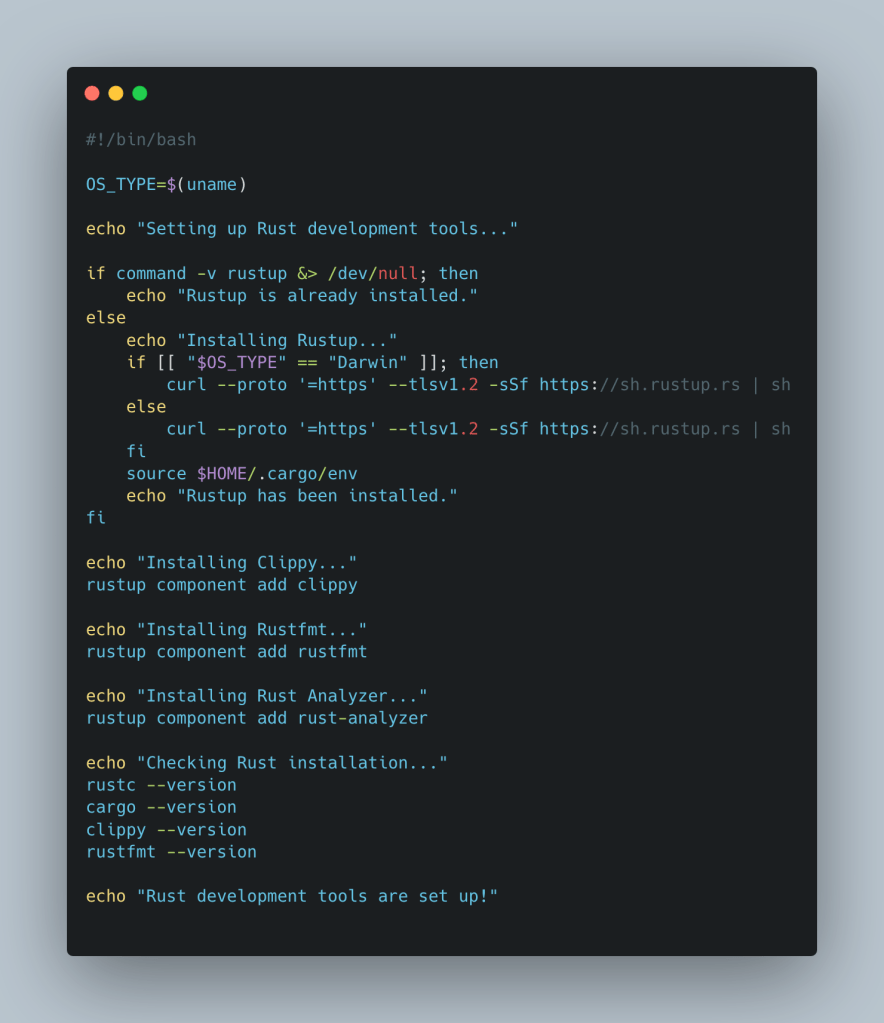
For the first part of the setup, I’ve asked ChatGpt to create a script that will install the required tools on my system. Once that’s done, I’ll move to the IDE setup. It has already shared a shell script with me for the IDE part, and I’m going to share that with you as well.
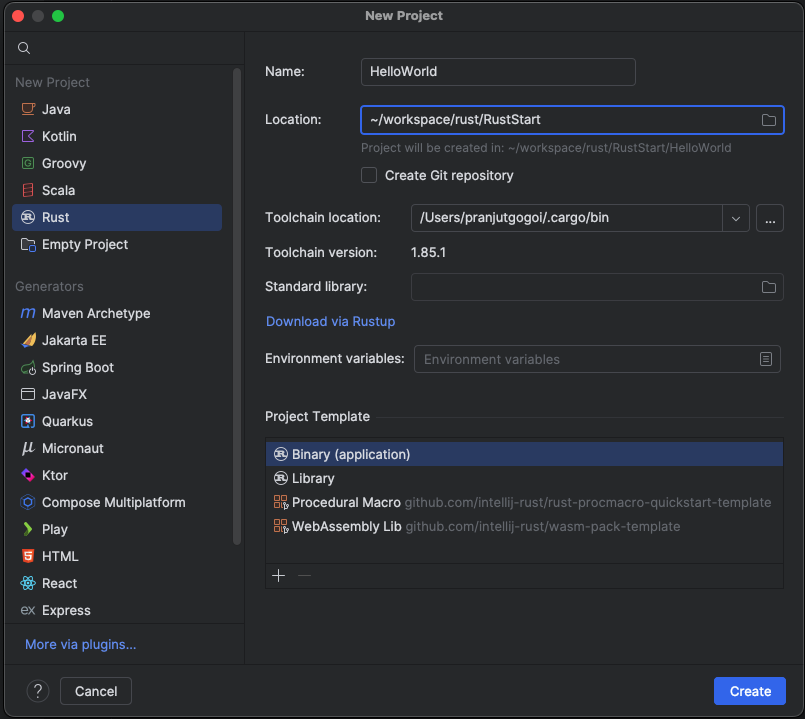
So, here we are, about to create our first Rust project in the IDE. In IntelliJ IDEA, the Rust plugin is already available, so we can simply create a new project and select Rust as the project type. For now, I’m going to create a simple Hello, World! project.
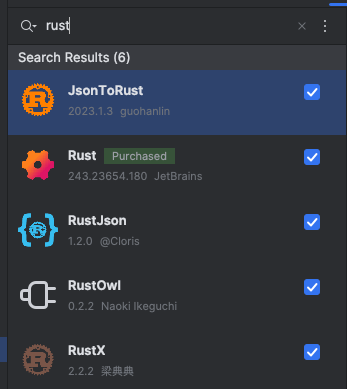
The project creation process is pretty fast, and once that’s done, IntelliJ asks me to install a plugin called Rust Owl. This is necessary, so I go ahead and install it. Even though I already have the Rust tools installed (like Rustup, Clippy, and Rustfmt), IntelliJ was still asking for this plugin.
Anyway, no big deal. We move on. Now, I’m going to try building the project. I use IntelliJ’s built-in build tools, and it looks like everything is compiled fine. We didn’t just run the code—it’s been successfully compiled, and I can see the output: “Hello, World!”
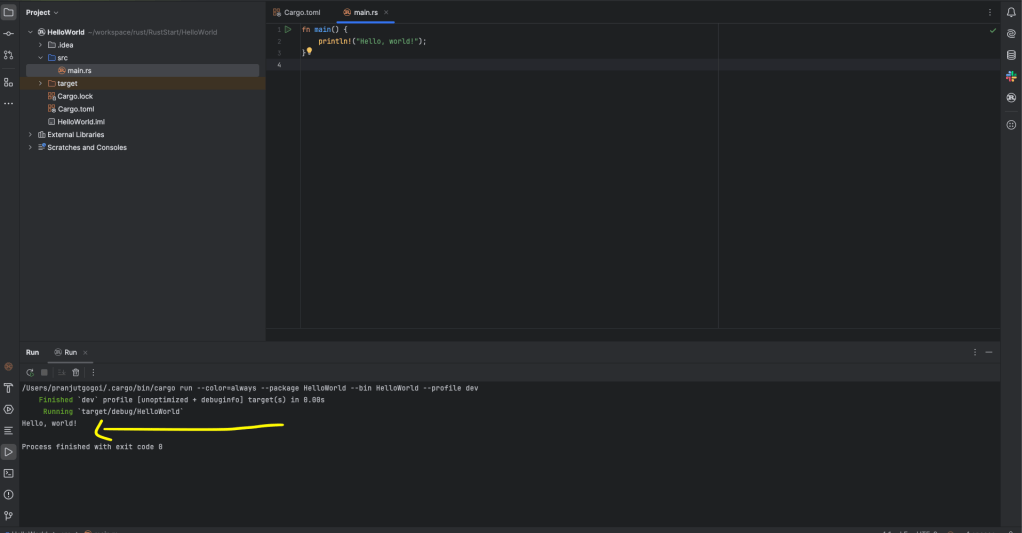
Just in case if you want to see how it looks, here is my code repo for the same.
https://github.com/eMudoiTechs/RustStart
So, that’s it! We’ve created and built our first Rust project. It’s a simple start, but it’s a great milestone. Now, we’re ready to move on to more advanced topics in Rust!

 The Endless Odyssey